


|
Name |
Urban VPN |
|---|---|
|
Google Play Link |
GET IT ON
Google Play
|
|
Category |
Tools |
|
Developer |
Urban VPN |
| Last version | 2.2.4 |
|
Updated |
|
|
Compatible with |
Android 7.0+ |
Introduction to Urban VPN APK
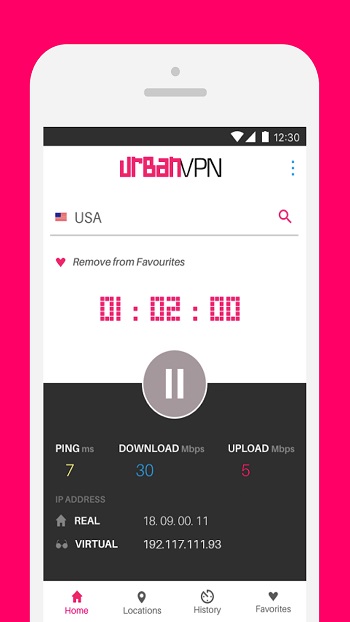
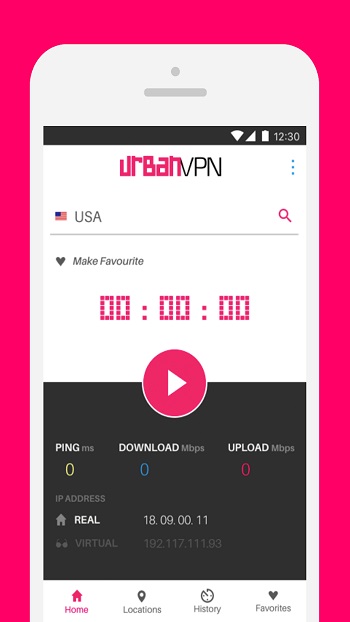
Urban VPN is an application, not a game. It runs on Android, iOS, Windows, macOS, and major browsers via extensions. Category-wise, it’s a utility tool focused on private browsing. In simple terms, it creates an encrypted tunnel for your traffic and hides your IP address. Setup is quick, and the interface is friendly—no networking degree required.
The main job of this app is online privacy. It scrambles your connection so third parties have a harder time profiling you. It also masks your location, which can help reduce tracking across sites and adds a safety layer on public Wi-Fi. If you often connect in cafés, airports, or hotels, that’s the scenario it’s built for.
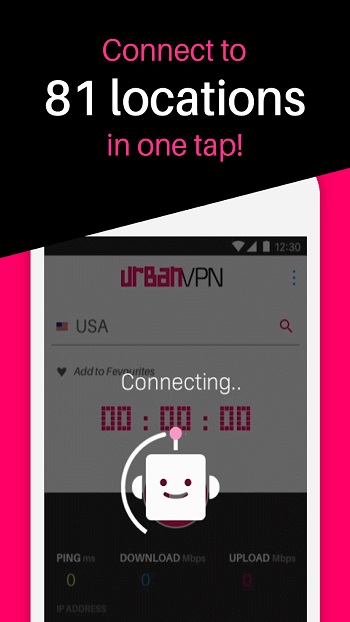
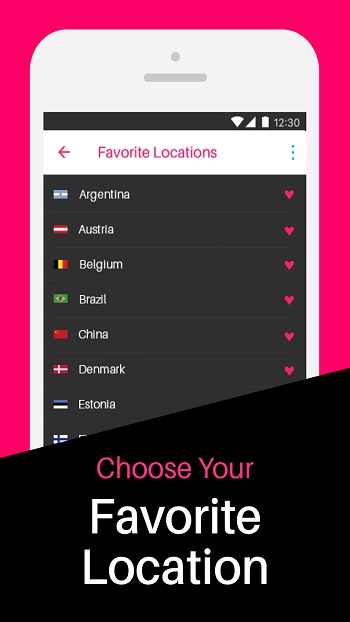
Key features center on convenience. You can pick from multiple locations worldwide and switch in seconds. One-tap connect, auto-reconnect, and browser extensions make it easy to fit into daily use. Traffic isn’t metered in typical use, so heavy browsing doesn’t feel constrained. Many builds include ad-blocking to cut down on trackers and pop-ups.
Benefits show up in everyday tasks. You can keep search histories more private from local networks, reduce targeted ads, and make online shopping or banking sessions less exposed on shared connections. Location switching helps with region-specific sites, and quick toggles make it simple to use the VPN only when you need it.
There are trade-offs. Speeds vary by server load and distance, so a faraway location can feel slower. Some sites try to block VPN traffic or ask for extra verification steps. Any VPN relies on trust in the provider’s policies, so reading the privacy policy is wise. On mobile, keeping the VPN active can draw extra battery.
Who benefits most? Travelers, students on campus Wi-Fi, remote workers using shared networks, and anyone who wants a simple privacy layer for routine browsing. It’s also handy for people who prefer a fast switch between locations without tweaking complex settings.
FAQs Urban VPN
What is Urban VPN?
+
Urban VPN is a utility app and browser extension that encrypts traffic and hides your IP to add privacy on phones and desktops.
Is Urban VPN free to use?
+
It offers a free plan and, in some regions, a paid upgrade with added features; availability and specifics can vary by platform.
Does Urban VPN work with streaming sites?
+
Access can work on some platforms and fail on others; services sometimes block VPNs, and results change over time.
Which platforms does Urban VPN support?
+
Android, iOS, Windows, macOS, plus extensions for popular browsers, so you can use it across your devices.
Will Urban VPN slow my internet?
+
Any VPN can add overhead; picking a nearby server and avoiding peak hours usually helps keep speeds steady.
Discover More Interesting Apps
-
 Mod
Mod
Ad Blocker
v7.6.17
39.00 Mb
Updated -
Mod
Nzb360
v25.2.2
14.39 Mb
Updated -
Mod
yw player
v1.4.3
24.03 Mb
Updated -
Soren VPN
v3.0
48.78 Mb
Updated -
Mod
LTE Discovery
v7.6.31
26.66 Mb
Updated -
VPN.lat
v3.9.63
40.90 Mb
Updated -
SideQuest
v2.3.2
50.51 Mb
Updated -
Mod
OBDeleven
v2.14.0
65.60 Mb
Updated -
Mod
AI Voice to Text
v1.53
73.09 Mb
Updated -
Mixing Station
v3.2.1
32.67 Mb
Updated









Share Your Thoughts